


LifeShield™ Connect
Capture infusion data across all clinical areas throughout your facility with a single, innovative auto documentation software solution.
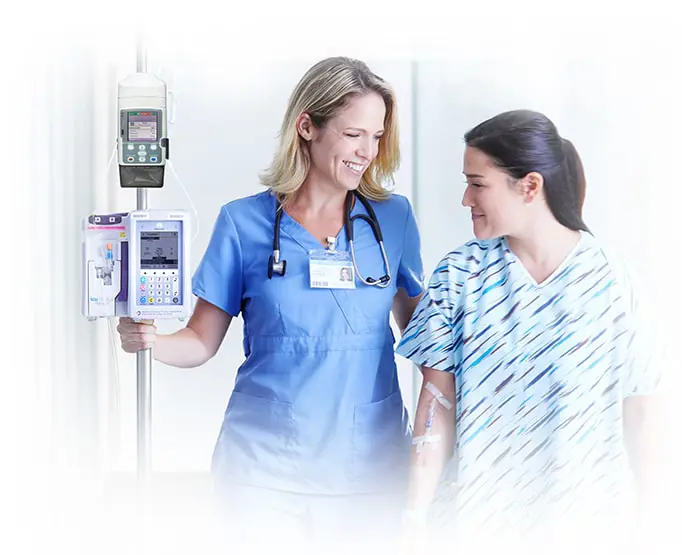
Focus on patient care, not paperwork
Nurses caring for even a few critically ill patients often manage upwards of 30 infusions simultaneously, and documenting these infusions can feel like a full-time job.
LifeShield Connect software automatically captures and documents infusion data across CADD-Solis™, 300 Series, and Plum 360™ infusion systems. This helps ensure comprehensive automated documentation while allowing nurses to shift their focus back to where it matters most—providing patient care.
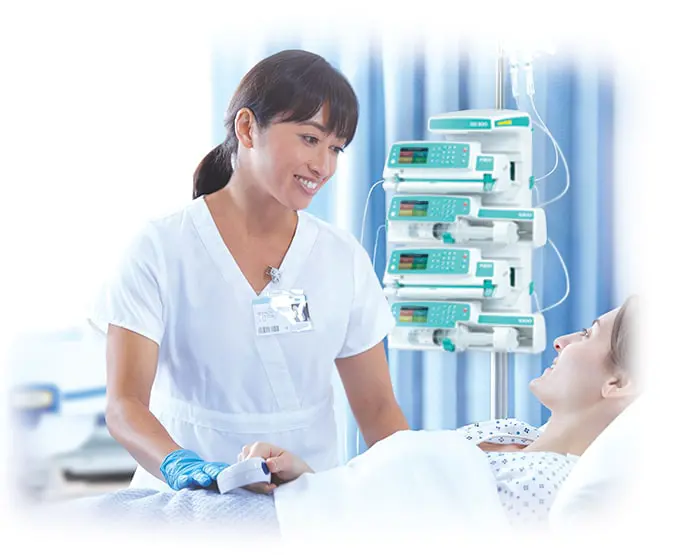
Streamline and simplify infusion documentation
LifeShield Connect software streamlines data transfer from ICU Medical infusion pumps to your Patient Data Management System (PDMS) or Electronic Health Record (EHR), enabling efficient workflows by reducing manual documentation, and enhancing documenation accuracy and timeliness.
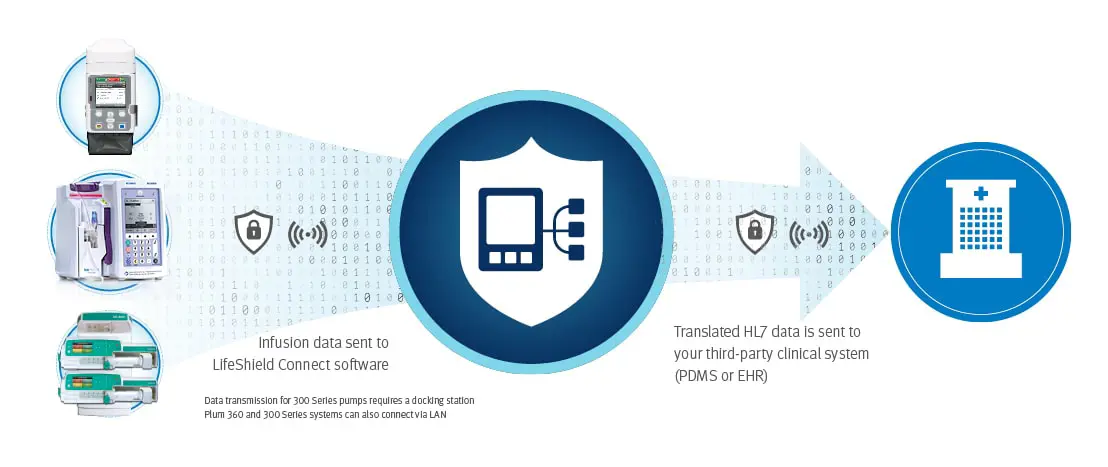
LifeShield Connect operates seamlessly in the background, automatically streaming data to multiple third-party PDMS or EHR systems without the need for manual input or a user interface.
Help to ensure accurate, secure data transmission
LifeShield Connect software securely streams data into a unified Health Level Seven (HL7) output compatible with multiple third-party PDMS and EHR systems. Robust encryption (TLS certificates) help to ensure secure data transmission while enhancing the overall cybersecurity of ICU Medical smart pumps.

The product complies with current legislation.
For additional information, warnings and/or safety precautions, refer to the Instructions for Use.
The product complies with current legislation and has the corresponding CE marking.
For additional information, warnings and/or safety precautions, refer to the Instructions for Use.
Related Products
Related Products
Product Enquiry
Please enter your details into the following form.